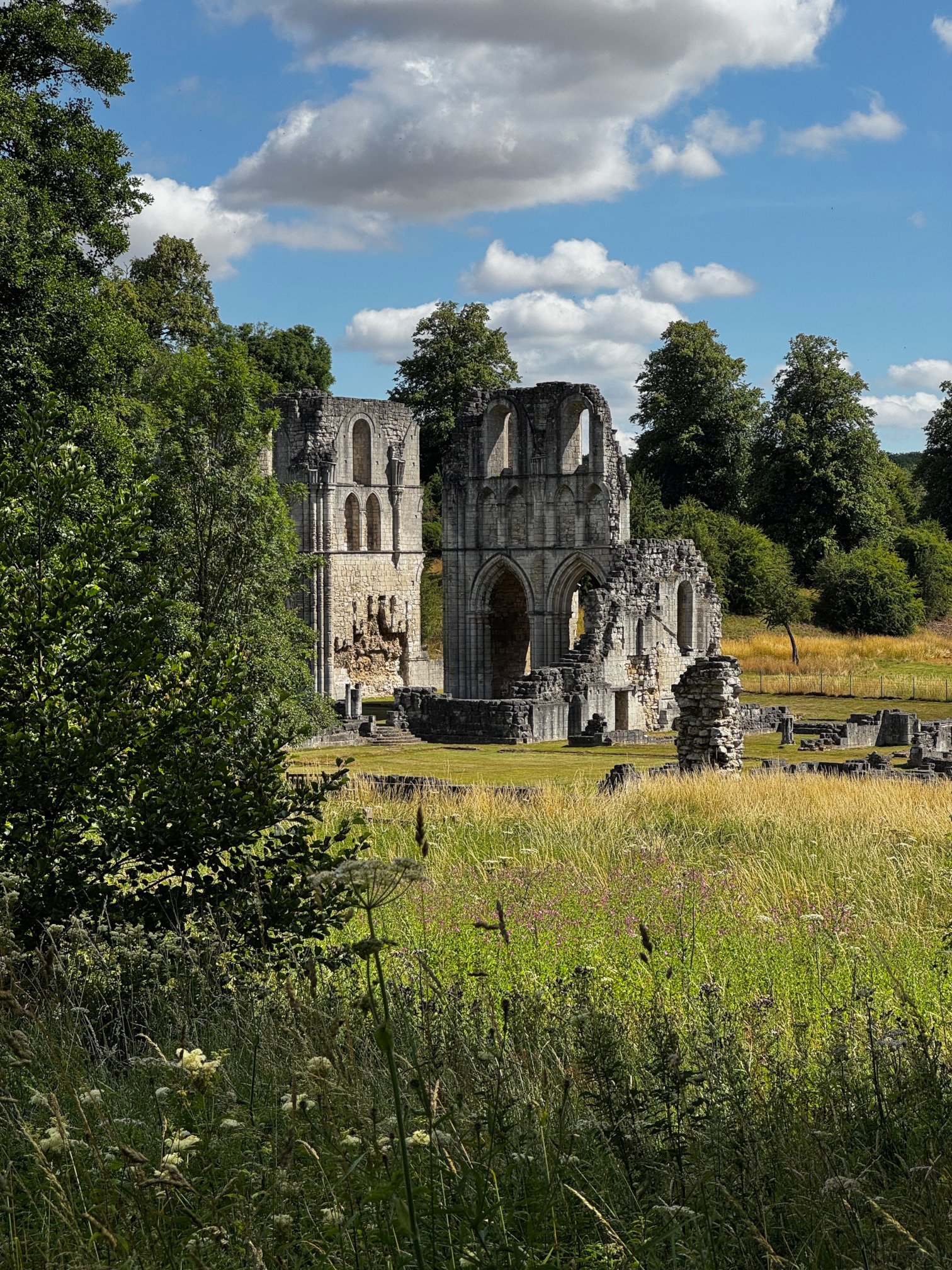
Beautiful summer day
Roche abbey is a lovely little ruin in a shallow valley near Rotherham, in South Yorkshire. It is managed by English Heritage.
The ruins
No surprise for Tudor history-lovers, the abbey is a ruin.
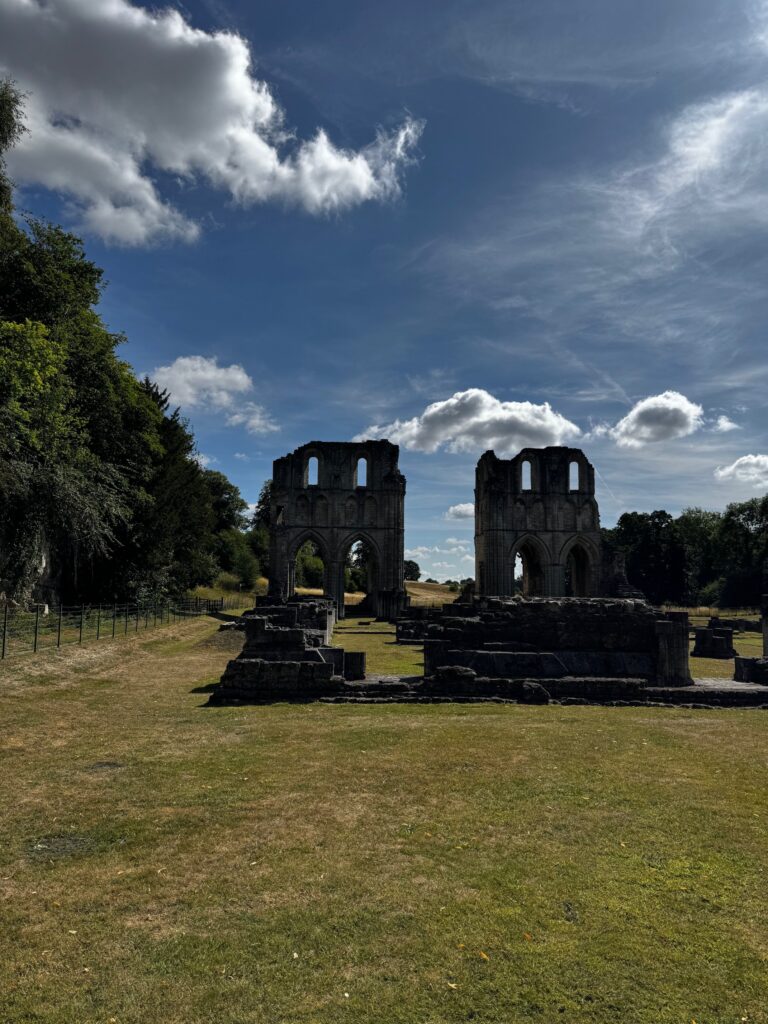
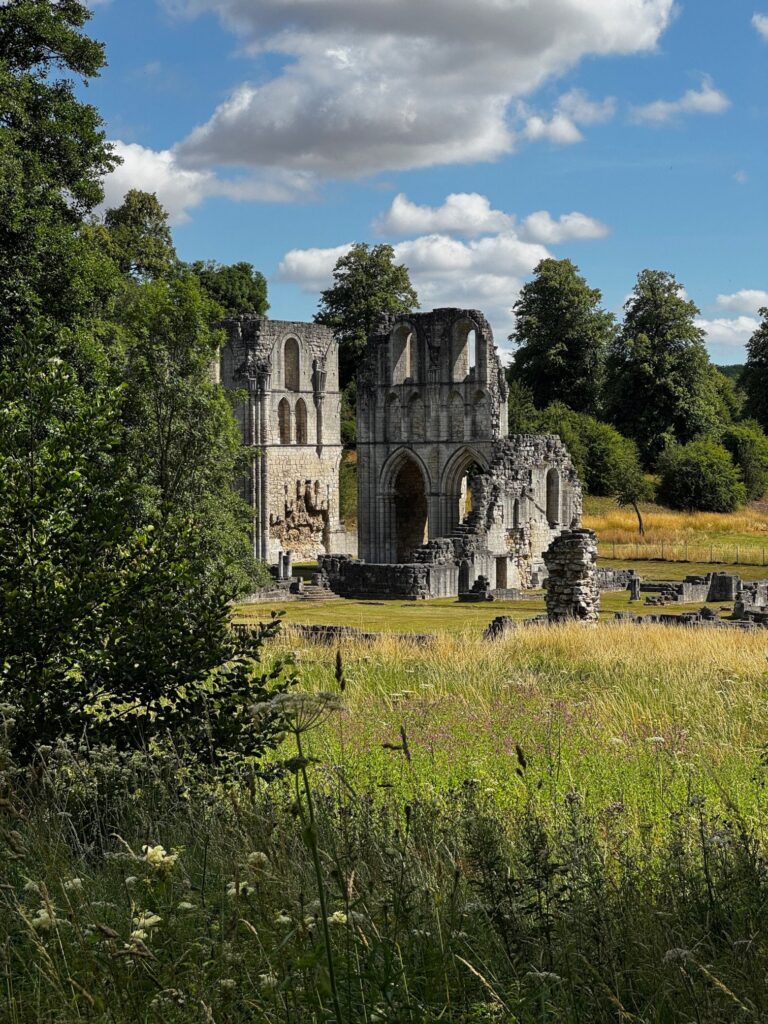
There are impressive north and south transept walls and an interesting ground plan of foundations can be seen. A small beck (stream) runs through the valley, and it is criss-crossed by paths with tiny stone bridges in numerous spots.
On a sunny summer’s day it is really quite beautiful and serene.
Why did I visit?
Well it’s lovely and I’m an English Heritage member, so why not?
More particularly I wanted to visit a small Cistercian abbey as part of my research for Speculation: Undercurrents of Treachery.
The climax of the novella is set in an abbey in Suffolk (not Roche Abbey) and I wanted to soak up the atmosphere and check the layout before completing the novel.
Gatehouse
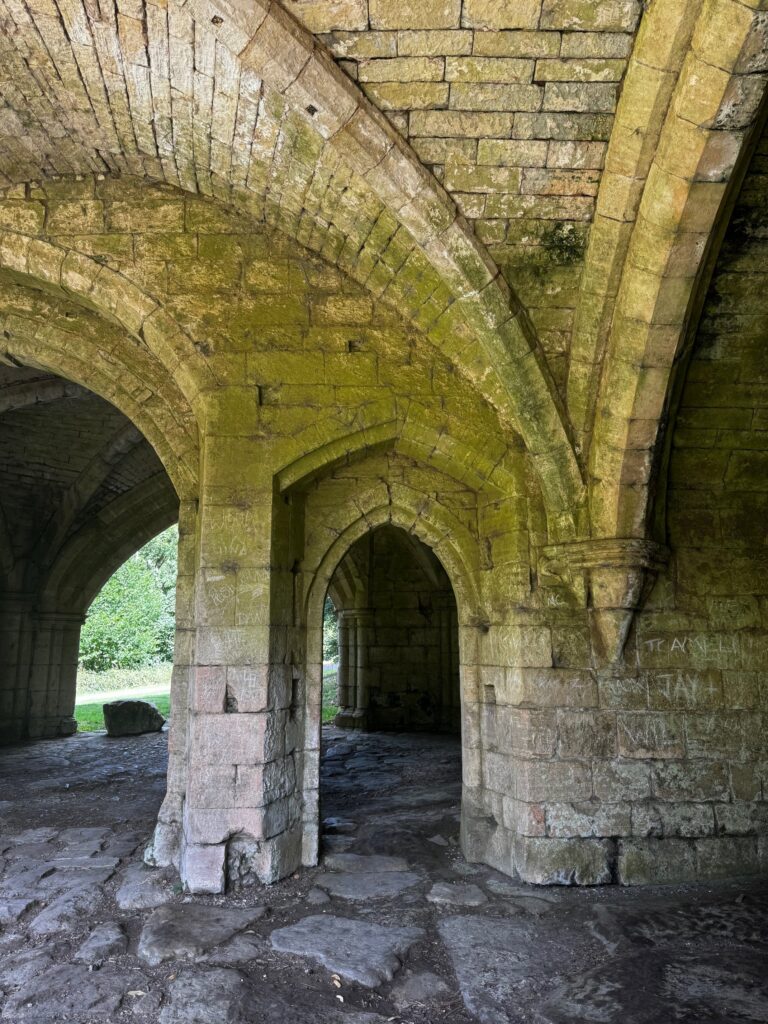
The abbey’s gatehouse is almost as impressive as the transepts (although not as tall).
Dissolution
The abbey was founded in 1147 and at its height supported a community of around 175 men (about a third being ‘choir monks’ and the rest lay brothers) however there were only 14 monks and an unknown number of novices at the time of the dissolution by King Henry VIII on 23 June 1538.
Countryside walk
There is a short countryside walk around the site, leading to some pretty vantage points; for the abbey itself (see the main picture) and for a waterfall on the nearby stream.
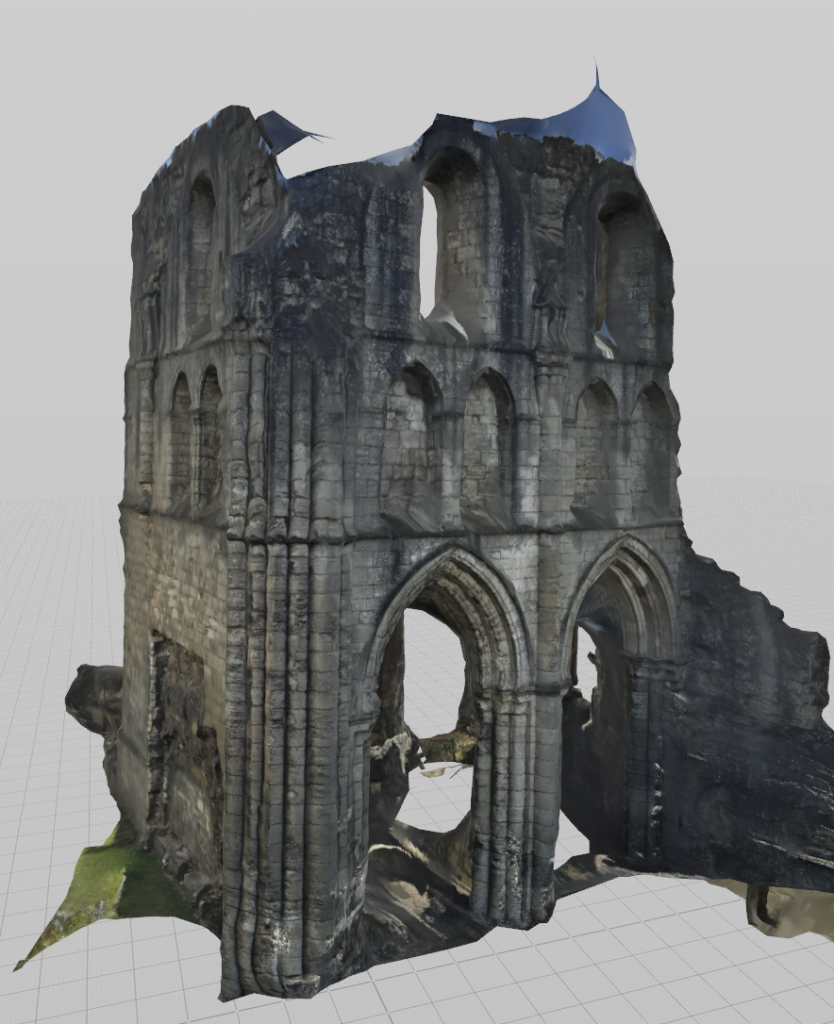
3D Model
I created a 3D model of the south transept.
How to use;
- The ‘viewer’ above should display the 3d model directly in your browser
- Click to download the USDZ file so you can play with it locally on your Apple device
- Click to download the GLB file so you can play with it locally on a non-Apple device
- IMPORTANT: the downloaded file may open immediately ’zoom’ to full size, which is life-size (IRL it is about 10m square). When it does this, you (the viewer) will be “inside” the ruin and won’t be able see anything – you’ll have a blank screen! You will need to zoom out to see the building (on a touch device you just “pinch” like when viewing a photo). Then you can rotate/tilt/zoom etc and away you go.
- IF you’re on a computer, I recommend you use an anti-virus scanning tool (the file doesn’t have any viruses, afaik but you should get into the habit of scanning everything!)
I have an Apple MacBook Pro (M4 Pro chip – love it!) and I use Intego security software: Intego website. No I’m not an affiliate and I don’t get a kickback/fee. It’s just what I use. - On Apple devices, .usdz files are almost native format – just doubleclick the file after download/scanning and open it! iPads/iPhone will auto-open the file and display it. You can view it in Safari, Notes, share it in emails and messages, and more.
- Non-Apple devices…You can download the GLB file and use it, or download the USDZ file and either use a converter like Meshy AI to convert it to an obj file, or use the online viewer at USDZ VIEWER, which works very easily. Just open their website and drag the file into it.
Please consider it Public Domain – free to use (although you might need to tidy it up a bit).
Leave a comment below and tell me what you think of this and how you used it, and whether you want any more!