
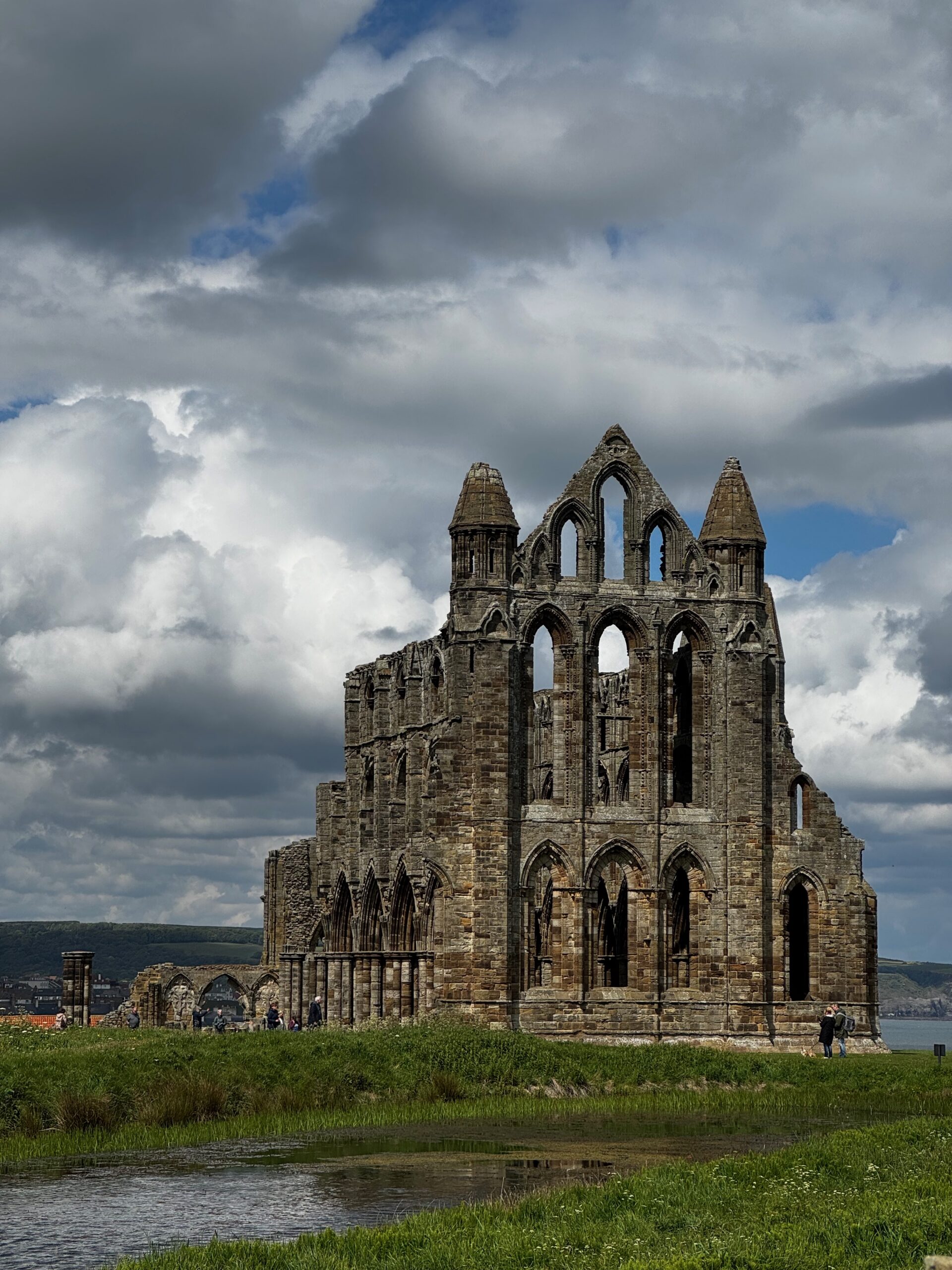
During a recent visit to North Yorkshire, England, I took 50+ photos of Whitby Abbey with my iPhone 15 Pro. I basically walked around the abbey ruin, taking a photo every 15 or 20 yards, trying to get as much into the photo as possible whilst avoiding the fishpond and other boggy areas.
The abbey is managed by English Heritage and I’m a proud member, so I could get in for free and look around.
When I got home I repeated the exercise I followed for Roche Abbey (some details on that blog post) to create a USDZ file that contains the 3D model.
To simplify things for myself in the future I created a Mac OS app that does the photogrammetry, then extended it to use Blender in headless mode to perform a .glb conversion to make it easier for non-Apple users – now you don’t have to download the file, you can just use it here. UPDATE: I have replaced Blender with a custom converter package that I wrote instead (20th May 2026). The model below uses the web-optimised version of the model, the links below are for the full versions.
Click and drag on the image to rotate, shift-drag to reposition in the viewer, pinch to zoom in/out (on a trackpad).
If you want the full USDZ file (361MB)
If you want the full GLB file (201MB)
The GLB file should load into Blender if you want to tidy it up or use it in a project of your own.
Leave a comment below and tell me what you think of this and how you used it, and whether you want any more!
Have fun!